


You've been using AI wrong. The way you got work done with AI was simple: write a prompt, hit send, and hope. For a small script or a quick summary, that still works. But the moment a project grows, the single-prompt approach falls apart and you start playing the wonderful AI slot machine game. The context window (AI memory) fills up, instructions get buried, weakly defined tasks run amuck, and the model's output quality goes sloppy. You start feeling like you are talking to a new intern who keeps forgetting what you just told it.
The fix is not a bigger model. It is tactical structure. The teams getting the best results from AI treat their systems as engineering problems, with patterns for how work gets split, routed, checked, and finished. Anthropic's engineering team landed on the same conclusion after working with dozens of production agent teams. The winning systems were built from simple, composable patterns, not exotic frameworks [1].
Here are the six patterns that show up again and again in production systems, what each one does, and when to reach for it.
1. ReAct (Reasoning + Acting)
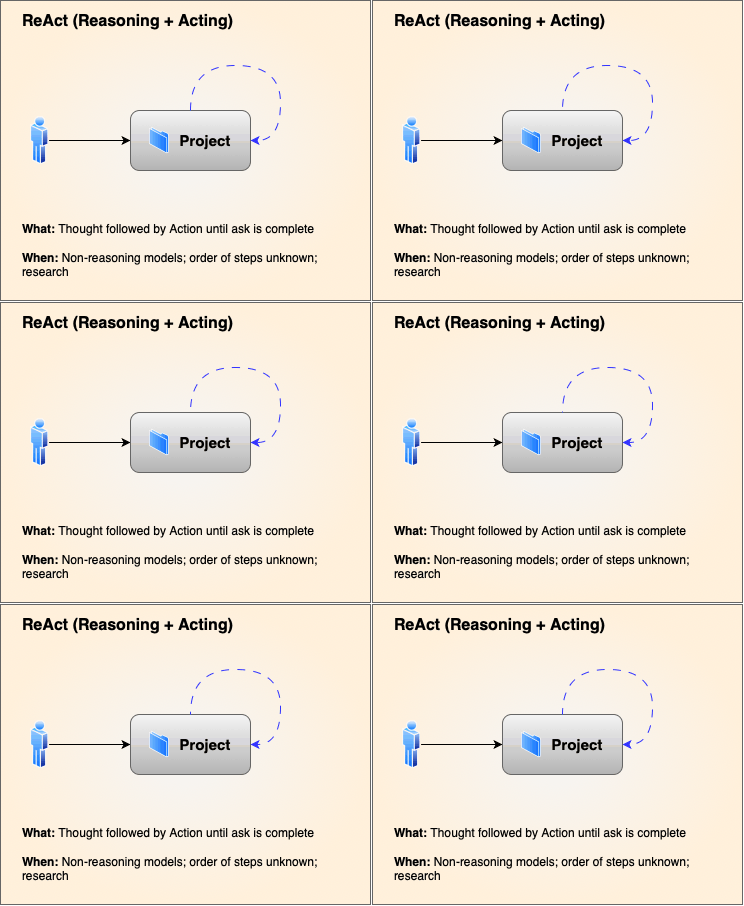
ReAct is the loop every agent starts with. The model thinks about what it is missing, calls a tool to find out, reads the result, and repeats until it can answer. It is the agent equivalent of a detective. Check the records, walk the scene, talk to a witness, and only write the report once the pieces fit.
Use it when the steps are unknown ahead of time. Such as investigating a failing service, answering a question that depends on live data, or researching a topic with moving parts. It is flexible, but flexibility is where tokens quietly go to die, so give it a step budget or a stop condition.
2. Plan-then-Execute
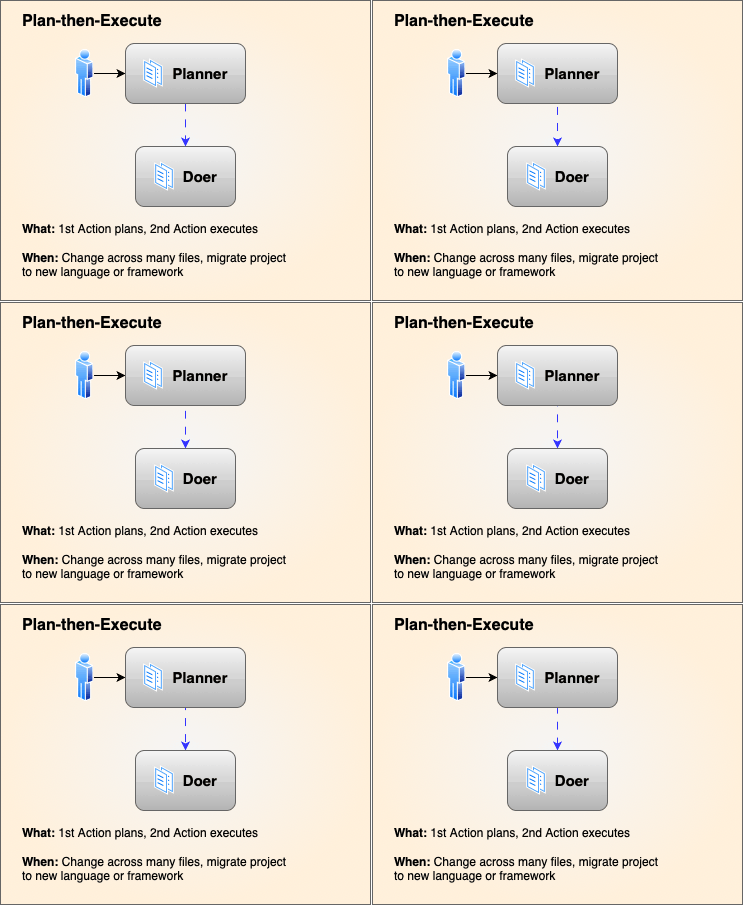
Now, thinking and doing get separated. A planner agent maps the whole job into a list of sub-tasks first, then an executor (or several workers) carries them out in order, re-planning only when a step fails. You can review the plan before anything runs, which turns a mystery box into a checklist.
Use it for high-stakes, multi-step work: a database migration, a refactor that touches a dozen files, a deployment with dependencies. The plan is where mistakes are cheapest to catch, because nothing has run yet. This is the pattern OpenAI's Agents SDK builds its tracing and handoff tools around [2]. You can find some agentic harnesses do this automatically for you, but setting up manual control can give better results and save tokens.
3. Router / Classifier
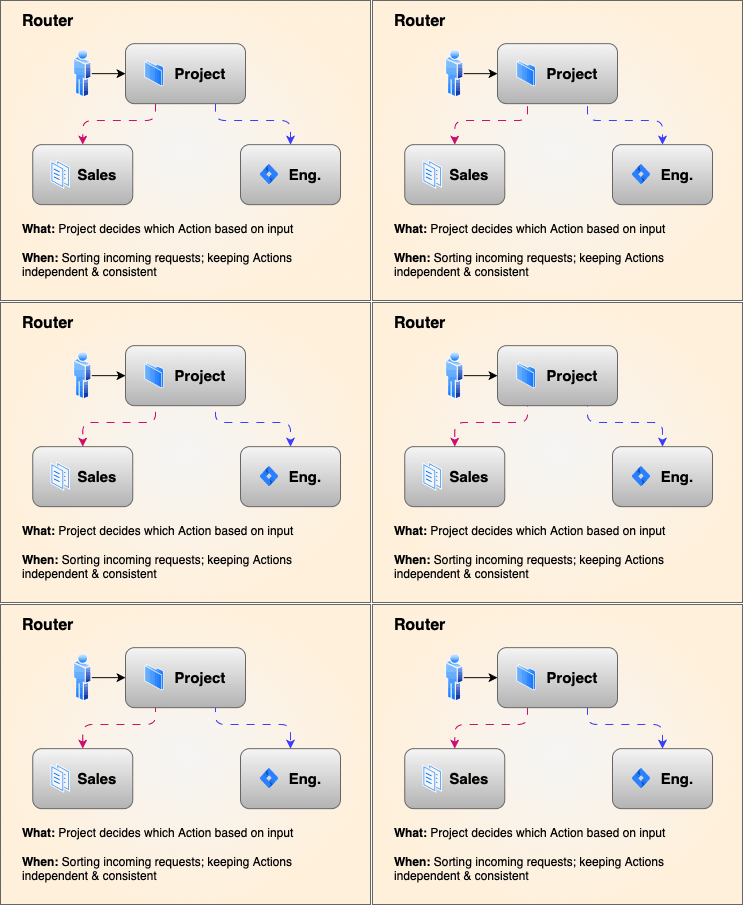
A router is a lightweight front door. It reads the request, decides what kind of job it is, and hands it to the right specialist. Think of how a billing question goes to the billing agent or a code change goes to the code agent. Even a simple lookup goes to a cheap model or a plain function.
The value is scope. One agent that holds every tool in the stack sees every tool as a possible answer and gets worse at all of them. A dedicated agent with three tools gets dramatically better in its lane. Routing also lets you match model cost to task difficulty, which is a direct line to lower spend. Google's Agent Development Kit is built around exactly this kind of multi-agent routing, with agents handing off along a hierarchy [3].
4. Orchestrator-Workers
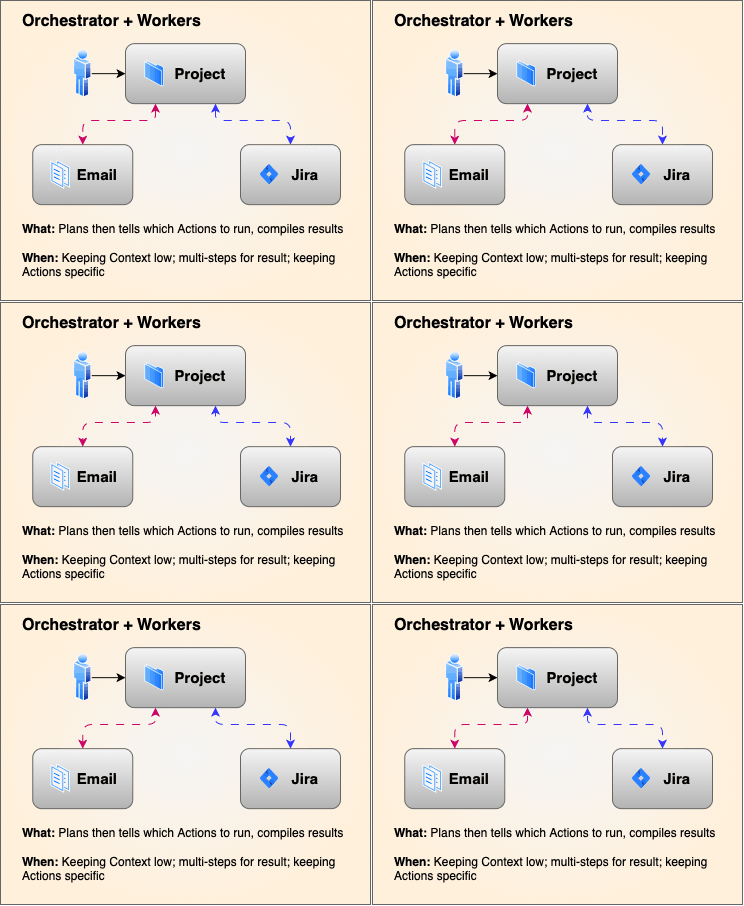
This is the hub and spoke. An orchestrator agent breaks a big goal into sub-tasks, hands each one to a worker with a narrow focus, and stitches the results together. Workers can run in parallel and each one loads only the context it actually needs.
The classic example is a multi-library project. Instead of stuffing an entire monorepo into one context window, the orchestrator spins up a worker for the API library, one for the UI package, and one for the shared core. Each worker sees only its own code, moves faster, and stays on task. The orchestrator collects the reports, spots the gaps, and sends workers back in to fill them. Small context per agent means lower token cost, and specialization means each agent actually knows its part.
Honestly, this is my personal favorite and I find it saves a lot of tokens in my workflows. Start with a foundation model and sub out the smaller tasks. Friends run Claude as their foundation model and then use their local AI systems to update smaller libraries. Keeps costs down with Anthropic and keeps things efficient.
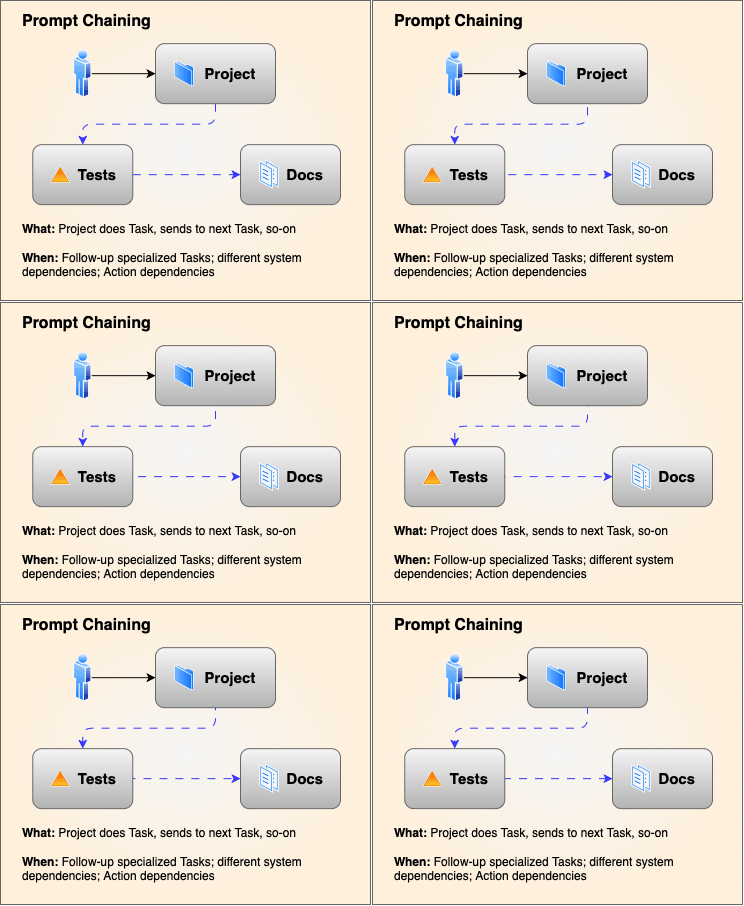
5. Prompt Chaining
Chaining is the boring, reliable pattern. You break the job into a fixed sequence where each step's output is the next step's input. Step one drafts an outline. Step two writes the article from that outline. Step three formats the result. Between steps you can run a programmatic check, a schema validation or a simple test, and only move on when it passes.
Use it when the path is known and every step must succeed: document translation, structured data extraction, a multi-stage report pipeline. It is the least flexible pattern on this list and the most predictable. That trade is exactly what you want in production, where a surprise costs more than a speed bump.
6. Adversarial / Evaluator-Optimizer
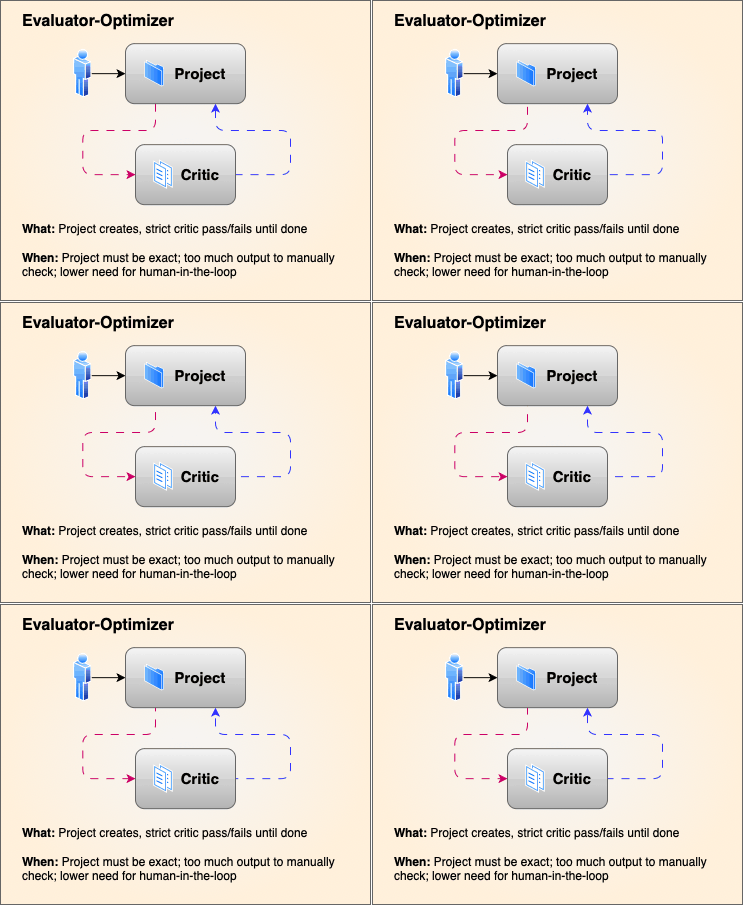
I call this one The Critic. One agent writes, the other checks. The generator produces a draft. The evaluator reads it against a strict rubric, test suite, or security rule and returns specific findings. The generator fixes them and resubmits until the evaluator signs off.
Use it where a wrong answer is expensive: unit test generation, compliance audits, security-sensitive code. The evaluator turns quality control from a vibe into a gate. It costs an extra pass or two, but it prevents the far costlier rework and rollback that happen when bad output ships. This is the current answer to trying to keep up with the massive amounts of code or documents produced from GenAI. Have a critic on another model than the producer and accept or reject based on the original ask. I have saved a ton of my time with the critic telling the original worker "this isn't good enough, try again".
Quick Comparison
| Pattern | Control style | Core benefit | Common use case |
|---|---|---|---|
| ReAct | Single-agent dynamic loop | Handles unexpected outcomes gracefully | Web research, API troubleshooting |
| Plan-then-Execute | Upfront roadmap, then act | Highly structured and audit-friendly | Codebase refactoring, complex workflows |
| Router | Front-door classification | Keeps agent scopes small and accurate | Multi-domain customer support systems |
| Orchestrator | Centralized delegation | Parallelizes sub-tasks cleanly | Feature generation, report synthesis |
| Prompt Chaining | Fixed sequential pipeline | High predictability, prevents cognitive overload | Multi-step writing, translation, staged extraction |
| Adversarial | Generator vs. Evaluator | Catches hallucinations and quality issues | Compliance checks, code review |
Patterns you do not have to pick by hand
Choosing between these patterns from scratch is its own little project, and most teams skip it and default to one giant prompt. That is the gap Inferise Code was built to close. Inferise Code is organized around these workflow patterns at https://code.inferise.com [4]: describe your project in a sentence or two, and it suggests the pattern that fits your shape, then builds the workflow around it. A multi-library codebase leans toward orchestrator-style delegation. A document pipeline becomes a chain with checks between steps. You still steer the work, but the scaffolding is already in place.
References
- [1] Anthropic, Building Effective Agents
- [2] OpenAI, New tools for building agents
- [3] Google, Agent Development Kit: Making it easy to build multi-agent applications
- [4] Inferise Code
Want to learn more about our interaction platform?
Inferise helps teams implement structured, human-in-the-loop workflows that reduce AI fatigue and keep engineers in command.